
About Us

about image

At Kingston, we offer the best in e-learning courses, featuring regulated and endorsed qualifications for your career growth.

Know More Know More

We Are Social

Follow Us:

Video Editing

( 6 Reviews )

clock

2 hours, 35 minutes

book

24 Curriculum

man

22 Students

£189£129

Take This Course

Course Overview

This premium QLS endorsed Video Editing course comes with intensive study modules, dedicated tutor assistance, customer support, flexible learning opportunity and a globally recognised certification all-together. Thus, successful completion of our Video Editing course will give you limitless opportunities anywhere and everywhere, since the value of QLS endorsed courses are quite high, to say the least!!

What’s more, the quality of our first-class course is uncompromising for both you and us. You will be taught the richest of materials from this exquisite Video Editing course, enabling you to open up a vast world of opportunities for you to grasp and gain success from. For the price point, this course is actually an absolute steal! It’s an investment you absolutely do not want to miss out on!

So, why delay any longer? Benefit your career progression by joining us today and distinguish yourself as, unquestionably, the most skilled one in your workplace!

Key features

Learning Outcome

Course Details

We, as one of the leading eLearning service providers across the globe, strive to provide all our learners with the best eLearning experience possible that can make a real difference in their career progression. 

  • 3+ hours of video lectures and digital resources are available on demand.
  • Learn at your own speed with affordable, high-quality E-learning content. 
  • When you finish the course, you will be given a certificate of completion.
  • Enhance your resume from a globally recognised Accredited Qualification.
  • You’ll discover how effective salespeople use a researched and proven technique to boost their careers.
  • You’ll be able to successfully implement several practical sales strategies and have a deeper understanding of your consumers.

Our course is open for everyone. This Video Editing is ideal for those who aspire to gain in-depth knowledge & efficient skill to embark into the relevant sector as a promising potential. 

  • Module 01: Introduction to the Course
  • Module 02: Download Davinci Resolve
  • Module 03: Project Settings and Overview of Resolve
  • Module 04: The Media Tab
  • Module 05: Cut Tab Overview
  • Module 06: Making Ins and Outs in the Cut Tab with Precision
  • Module 07: Smart Editing Tools
  • Module 08: Trim Modes
  • Module 09: Overlay Edits
  • Module 10: Sync Audio with Video
  • Module 11: Mixing Audio
  • Module 12: Working with Transitions in Davinci Resolve
  • Module 13: Adding Effects
  • Module 14: Adding Texts
  • Module 15: Colour Tab Overview
  • Module 16: Understanding Nodes
  • Module 17: Tracing Effects
  • Module 18: Cinematic Look
  • Module 19: Viewing the Clip
  • Module 20: Fairlight Tab
  • Module 21: Fusion Tab
  • Module 22: How to Remove Green Screen Using Chroma Key
  • Module 23: Delta Keyer
  • Module 24: Deliver Tab

Learners must submit a comprehensive summerised assignment on all the units that will be assessed by our expert tutor if all the learning outcomes are met as per the standard set by QLS. After the quality check, learner will be provided with the Video Editing certificate.

An endorsed certificate will be issued to learners at the end of the course as recognition of course completion. Provided that learner completes all the assessment of a course can claim for certificate. 

QLS endorsed this certified course as a highly qualified, non-regulated provision and training programme. There will be a trainer to answer all your questions including your progression routes into further higher education. It is a non-accredited course.

There are no  formal requirements needed for this Video Editing course. So learners do not require any prior qualifications to enrol in this course. 

  • video Module 1- Introduction to the Course
    00:02:00
  • video Module 2- Download Davinci Resolve
    00:01:00
  • video Module 3- Project Settings and Overview of Resolve
    00:03:00
  • video Module 4- The Media Tab
    00:04:00
  • video Module 5- Cut Tab Overview
    00:09:00
  • video Module 6- Making Ins and Outs in the Cut Tab with Precision
    00:04:00
  • video Module 7- Smart Editing Tools
    00:05:00
  • video Module 8- Trim Modes
    00:05:00
  • video Module 9- Overlay Edits
    00:05:00
  • video Module 10- Sync Audio with Video
    00:11:00
  • video Module 11- Mixing Audio
    00:08:00
  • video Module 12- Working with Transitions in Davinci Resolve
    00:05:00
  • video Module 13- Adding Effects
    00:13:00
  • video Module 14- Adding Texts
    00:11:00
  • video Module 15- Colour Tab Overview
    00:05:00
  • video Module 16- Understanding Nodes
    00:10:00
  • video Module 17- Tracing Effects
    00:05:00
  • video Module 18- Cinematic Look
    00:15:00
  • video Module 19- Viewing the Clip
    00:03:00
  • video Module 20- Fairlight Tab
    00:05:00
  • video Module 21- Fusion Tab
    00:12:00
  • video Module 22- How to Remove Green Screen Using Chroma Key
    00:06:00
  • video Module 23- Delta Keyer
    00:03:00
  • video Module 24- Deliver Tab
    00:05:00
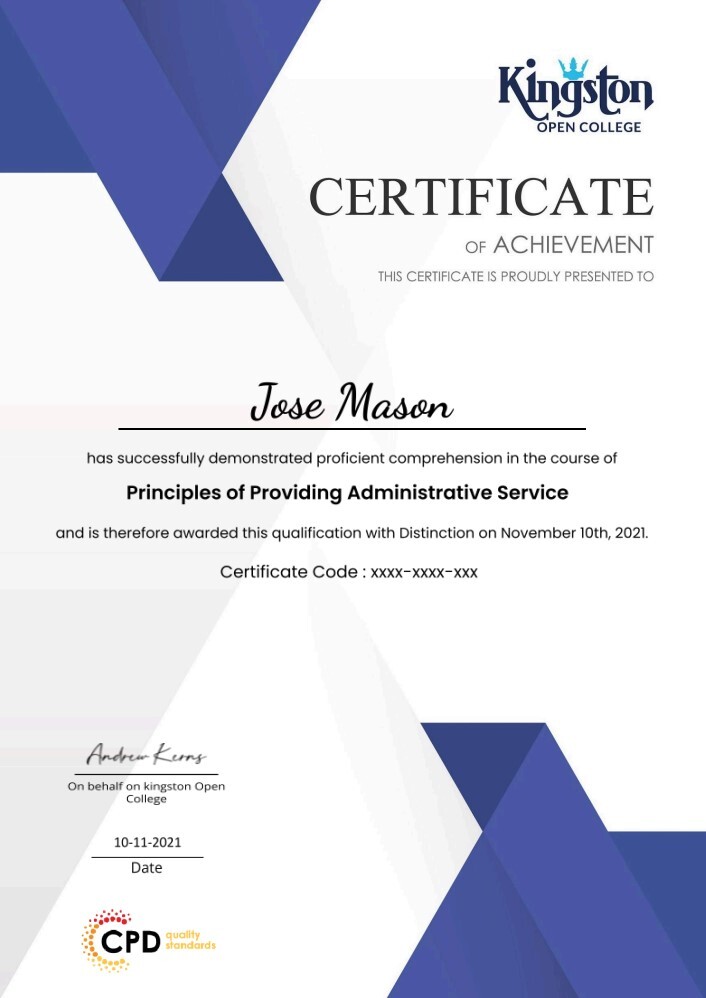
imagecert

Course Reviews

4.7

4.7
6 ratings
  • 5 stars0
  • 4 stars0
  • 3 stars0
  • 2 stars0
  • 1 stars0

No Reviews found for this course.

Course Info

info-star
Categories :
book

Lessons : 24

assignment

Assignments : No assignments

clock

Duration : 2 hours, 35 minutes

packages

Access : 1 year

clear pay

Enrol now, pay later in easy instalments(Interest free) with Clearpay.

Want courses at lower price?
Join our email list for early access and rewards.

Subscribe

Ready To Get Started ?

We at Kingston provide high-quality Ofqual regulated qualification along with proper guidance. We collaborated with recognised awarding bodies which means you as a learner will get the best high quality professional qualification required for your current & future career growth.

Address

Certificate Validation

©2026 – Kingston Open College is the trading name of Thrive EdTech Ltd (Company Number:13565336). All rights reserved.

top
bticonsHome bticonsSearch bticonsCart

Ready to Get Started?

Your email address will not be published. Required fields are marked *

Name(Required)
This field is hidden when viewing the form