Log in


Welcome to Kingston Open College. Please log in to access your account and explore a world of knowledge and growth.

Sign in to your Account
About Us

At Kingston, we offer the best in e-learning courses, featuring regulated and endorsed qualifications for your career growth.
We Are Social
Follow Us:


Contact Us


Overview
Video player apps are one of the most used apps for any user. A suitable and updated video player can make the experience much better. Creating a perfect video player app can help you satisfy your users. Learn how you can create video players using Android studio from this Code Your Own Video Player Application in Android Studio course.
This Code Your Own Video Player Application in Android Studio course will teach you different functions to create your very own video application. You will learn how to set up permission and UI settings in Android studio, create a video player list, create video controls, video player activities, improve video control and save videos. This course will help you to improve your video player application and add different features, selecting multiple videos, rename, share, delete video features, bug fixing and many other functions.
This course is ideal for app developers, app testers, software engineers, data security officers or anyone who wants to learn more about Android app development.
Course design
The course is delivered through our online learning platform, accessible through any internet-connected device. There are no formal deadlines or teaching schedules, meaning you are free to study the course at your own pace.
You are taught through a combination of
- Video lessons
- Online study materials
Certificate of Achievement
Endorsed Certificate of Achievement from the Quality Licence Scheme
Once the course has been completed and the assessment has been passed, all students are entitled to receive an endorsed certificate. This will provide proof that you have completed your training objectives, and each endorsed certificate can be ordered and delivered to your address for only £89.00. Please note that overseas students may be charged an additional £10 for postage.
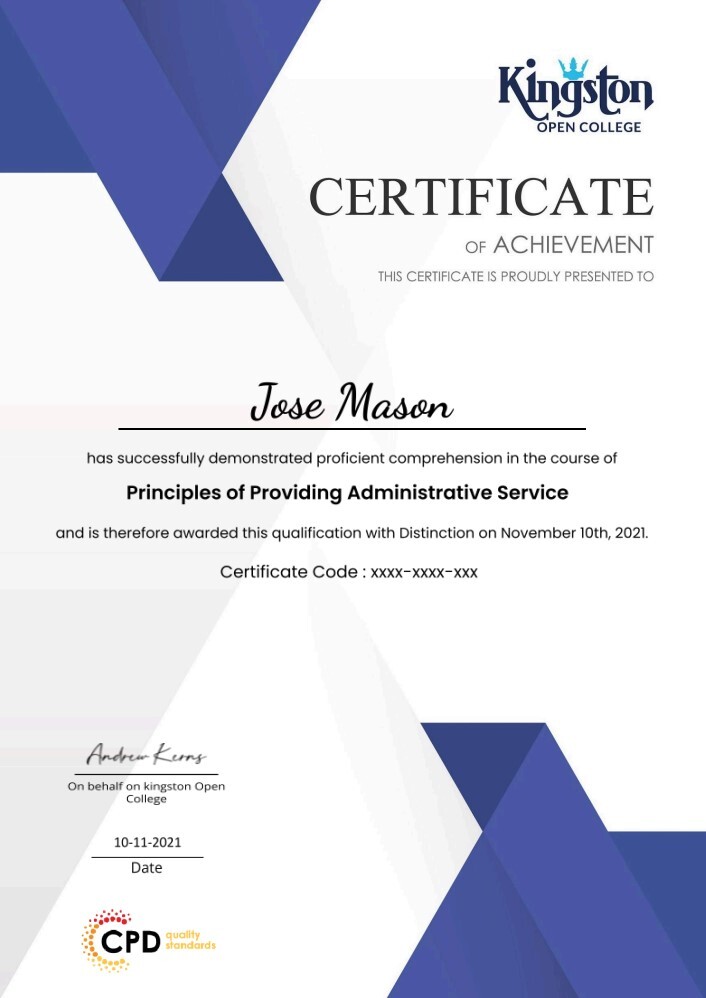
CPD Certificate of Achievement from Kingston Open College
Upon successful completion of the course, you will be able to obtain your course completion e-certificate free of cost. Print copy by post is also available at an additional cost of £9.99 and PDF Certificate at £4.99.
Endorsement
This course and/or training programme has been endorsed by the Quality Licence Scheme for its high-quality, non-regulated provision and training programmes. This course and/or training programme is not regulated by Ofqual and is not an endorsed lesson. Your training provider will be able to advise you on any further recognition, for example progression routes into further and/or higher education. For further information please visit the Learner FAQs on the Quality Licence Scheme website.
Method of Assessment
To verify your enhanced skills in the subject, we recommend that you also complete the assignment questions. These can be completed at any time which is convenient for yourself and will be assessed by our in-house specialised tutors. Full feedback will then be given on your current performance, along with any further advice or support.
Why Study This Course
It doesn’t matter if you are an aspiring expert or absolute beginner; this course will enhance your expertise and boost your CV with critical skills and an acknowledged certificate attesting to your knowledge.
The Code Your Own Video Player Application in Android Studio! is fully available to anyone, and no previous lessons are needed to enrol. All Kingston Open College needs to know is that you are eager to learn and are over 16.
-
 Module 01: Android Studio Video Player Course Setting Up Permissions and UI 00:28:00
 -
Module 02: Creating the Video Player List View Adapter 00:18:00
-
Module 03: Listing Video Files and Creating Video Controls 00:37:00
-
Module 04: Creating the Video Player Activity 00:29:00
-
Module 05: Finishing the Video Player Activity 00:24:00
-
Module 06: Improving Video Controls and Saving Video State 00:26:00
-
Module 07: Select Video and Rename Video Features 00:28:00
-
Module 08: Share Video and Delete Video Features and Bug Fixes 00:16:00
 Module 01: Android Studio Video Player Course Setting Up Permissions and UI
 -
Assignment -Code Your Own Video Player Application in Android Studio! 06:07:00
-
Order Your Certificate QLS
Course Reviews
No Reviews found for this course.
Course Info


Enrol now, pay later in easy instalments(Interest free) with Clearpay.
Related Courses